Melbourne House · 1982 · reborn on the Atari ST
The Hobbita native Atari ST port
The text adventure that talked back — its full Inglish parser and restless, living world, rebuilt as a real ST program, now with its own 16-bit Atari ST artwork alongside the faithful Spectrum look.
A single GEM .PRG. Real TOS or EmuTOS. Floppy or hard drive.
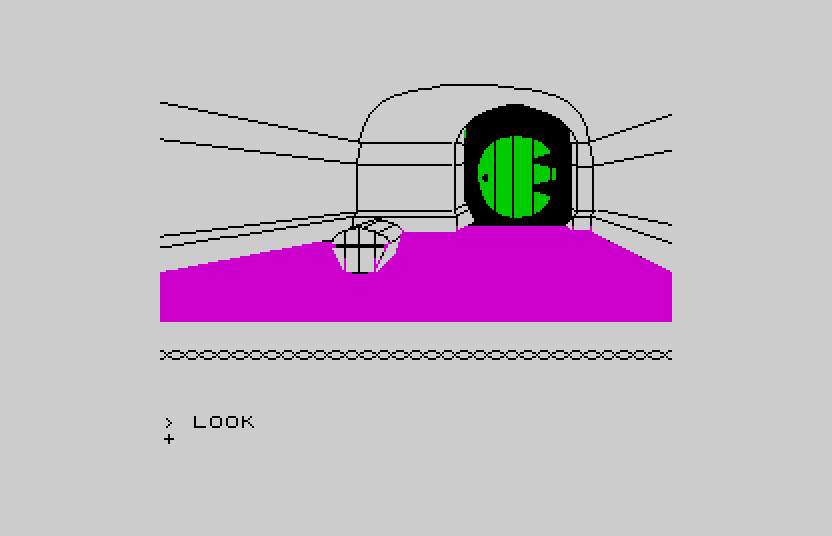
ZX Spectrum mode — location 1, a comfortable tunnel-like hall
Type a command
Faithful to 1982, at the byte.
The world data is extracted from the original v1.2 tape; the engine — parser and character simulation — is reimplemented in portable C. Not a tribute to how it felt. How it actually ran.
> ASK GANDALF ABOUT THE MAP
The whole Inglish parser
Verbs, nouns, adjectives, adverbs, AND / THEN chains, pronouns, and "say to" character orders — reimplemented, not faked.
> WAIT
A world with its own mind
Thorin sings about gold, Gandalf wanders off, the trolls argue. Characters act on their own, turn after turn — the feature that made the game famous.
> LOOK
Drawn the way it was drawn
Each illustration rendered from the original vector display list — line by line, fill by fill, ZX attribute clash and all.
> SAVE
Pick up where you left off
Save and restore to disk — the original's own feature, now a GEMDOS file. Every object, timer and character exactly as you left it.
The Atari ST chapter
Two looks. One game. Both playable now.
Pick your presentation from the Options page — the faithful 1982 Spectrum look, or a full-colour Atari ST mode with new 16-bit artwork for every room. The engine underneath is identical.
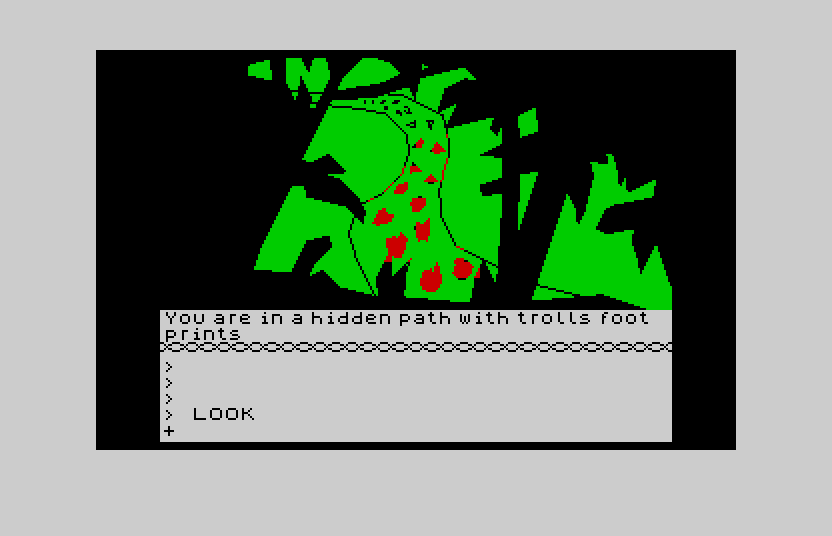
The faithful Spectrum look
Exactly as the 1982 game presented itself, running natively on the ST.
- 256×192 picture, the true ZX bright palette
- Per-cell attribute clash, faithfully kept
- The game's own proportional font
- Rendered from the original vector display lists
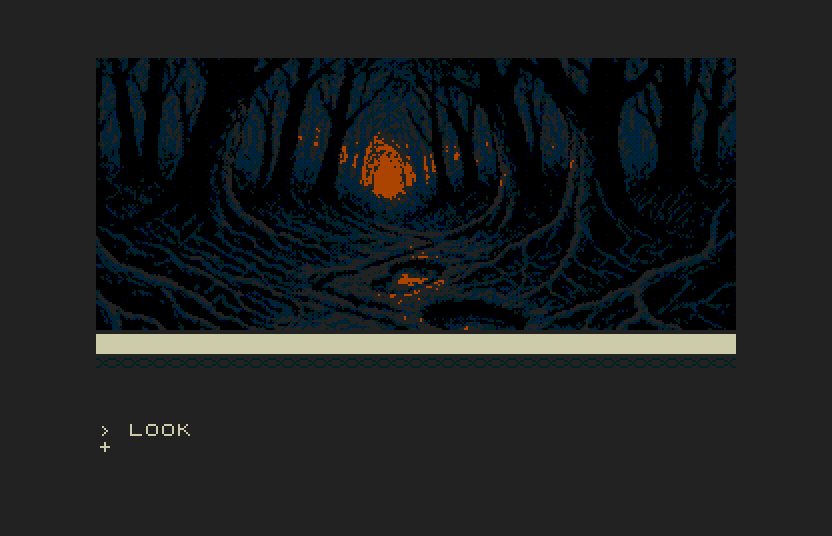
Full-colour 16-bit artwork
A hand-made 16-colour illustration for all 79 locations, plus a title screen faithful to the Melbourne House loader.
- Full-width 16-colour art, drawn for the ST palette
- An ornate parchment description window in the game's own font
- Collapse the window to admire the whole picture (Alt+W)
- Switched live from the Options page — no restart
The story so far
Playable, faithful, and now in 16bit colour.
The engine, the faithful Spectrum experience, and the full-colour Atari ST art mode are all shipping.
Faithful engine & v1.2 world
Parser, living world, puzzles, deaths, scoring, save/restore.
Atari ST 16-bit art mode
Full-colour artwork for all 79 rooms, a parchment description window, and a title screen faithful to the original loader — toggled in Options.
How to play
Drop it on a drive and go.
A single GEM program with a folder of artwork beside it — on real TOS, EmuTOS, or an emulator such as Hatari or Steem.
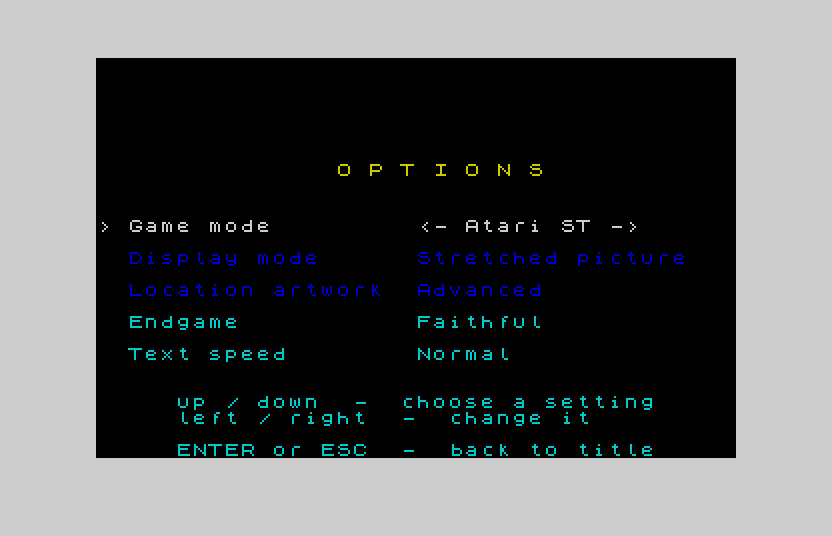
The Options page — press O on the title, or F12 while playing
Running the game
- Copy the
HOBBITfolder to any TOS drive (floppy or hard disk). - It holds
HOBBIT.PRGand anIMAGESfolder — keep the two together, in any location. - Open
HOBBIT.PRGfrom the GEM desktop. - On the title screen:
ENTERstarts,Oopens Options,Eexits to the desktop.
The IMAGES folder holds the 16-bit
artwork; without it the game still runs in ZX Spectrum mode.
Playing & switching looks
- Type Inglish commands and press
ENTER— e.g.OPEN THE DOOR,ASK GANDALF ABOUT THE MAP. - Options —
Oon the title, orF12in play. Choose Game mode: ZX Spectrum / Atari ST, text speed, and more. - Hide / show the picture window —
Alt+WorCtrl+W(or typeWINDOW), in Atari ST mode. - SAVE / LOAD to disk; QUIT returns to the title so you can change modes; EXIT leaves to the desktop.
Get it
Version 0.1 is out now.
Grab a ready-to-run bundle from the Releases page — a hard-disk ZIP with all 79 rooms of artwork, or the double-density floppy set for a Gotek or real disks.
This is the first public release
(v0.1) — expect a few rough edges, and please report anything you hit.